Why is choosing POS software strategic in the restaurant industry?
The choice is strategic because it impacts three sensitive points: service speed, order reliability, and sales visibility. During peak times, a few seconds lost per bill or a wrong entry quickly results in a waiting table, a disorganized kitchen, and a stressed team.
- Faster service: fewer clicks, fewer flow interruptions, better table turnover.
- Fewer errors: orders reach the kitchen or bar faster and more accurately.
- Better management: you track revenue, discounts, cancellations, and margins by product category.
- Smoother customer experience: split bills, tips, multi-mode payments, reduced waiting times.
What should a restaurant POS software manage daily?
A good tool must cover the core of service without complicating daily tasks: order taking, table management, kitchen sending, payment processing, cash closing, and reporting. In a restaurant, a useful POS is one that limits manipulations and remains clear for a rotating team.
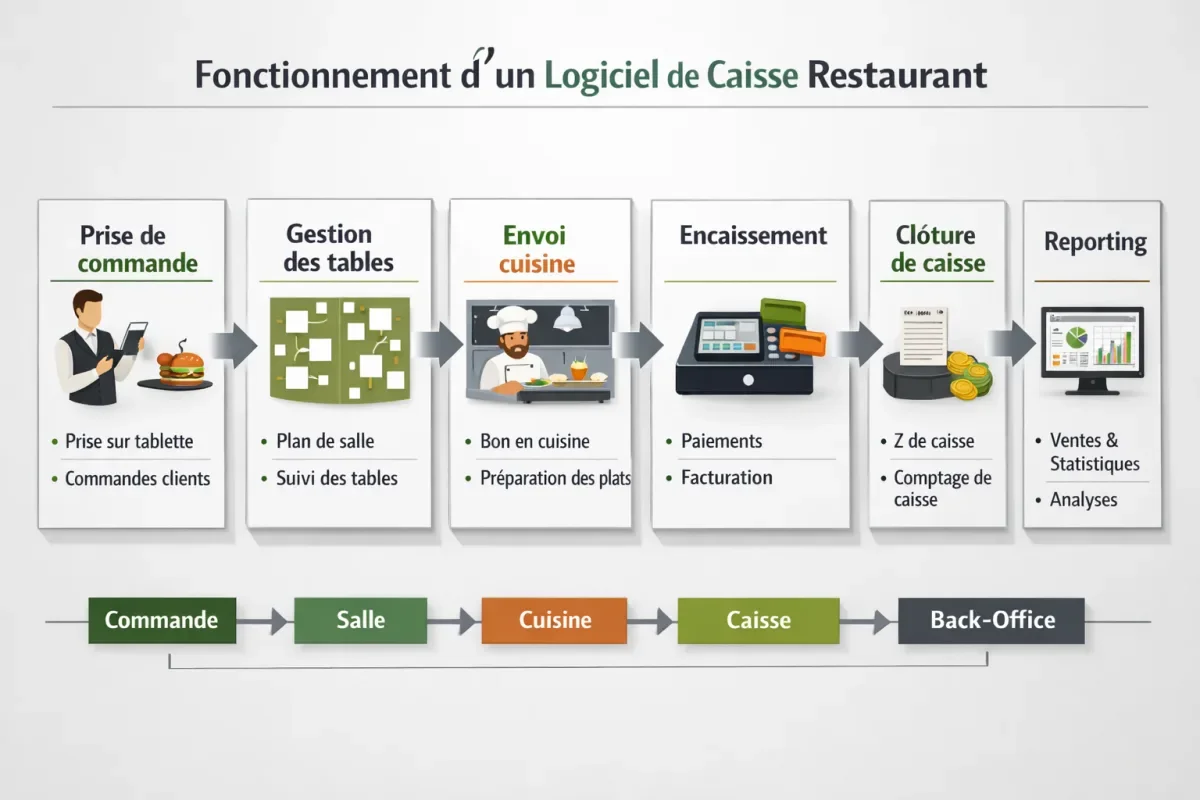
Not all functions have the same level of importance. Some are essential, others only useful for more structured establishments. If you manage a high-volume brasserie, the priority is not the same as for a fine dining table or a small snack bar.
- Fast touchscreen interface: to process payments without searching for products.
- Offline mode: to continue selling in case of internet outage.
- User rights: to limit sensitive actions according to the role.
- Back office: to modify items, track sales, and export data.
- Table management: to visualize occupancy, distribute orders, and avoid errors.
- Kitchen tickets and closings: to trace service and secure end-of-day operations.
- Accounting exports: to facilitate the accountant’s work.
How to choose a restaurant POS software according to your establishment?
The right choice first depends on your service model. A brasserie, a gourmet restaurant, a fast-food, a food truck, or a multi-site network do not have the same priorities. A cloud POS software can suit many cases, but you always need to check mobility, robustness, and ease of configuration.
Traditional or gourmet restaurant
Here, the priority is fine room management: table plans, adding dishes during service, shared notes, tips, synchronization with the kitchen, and sometimes reservations. The system must be discreet, precise, and capable of supporting a more personalized service than just quick checkout.
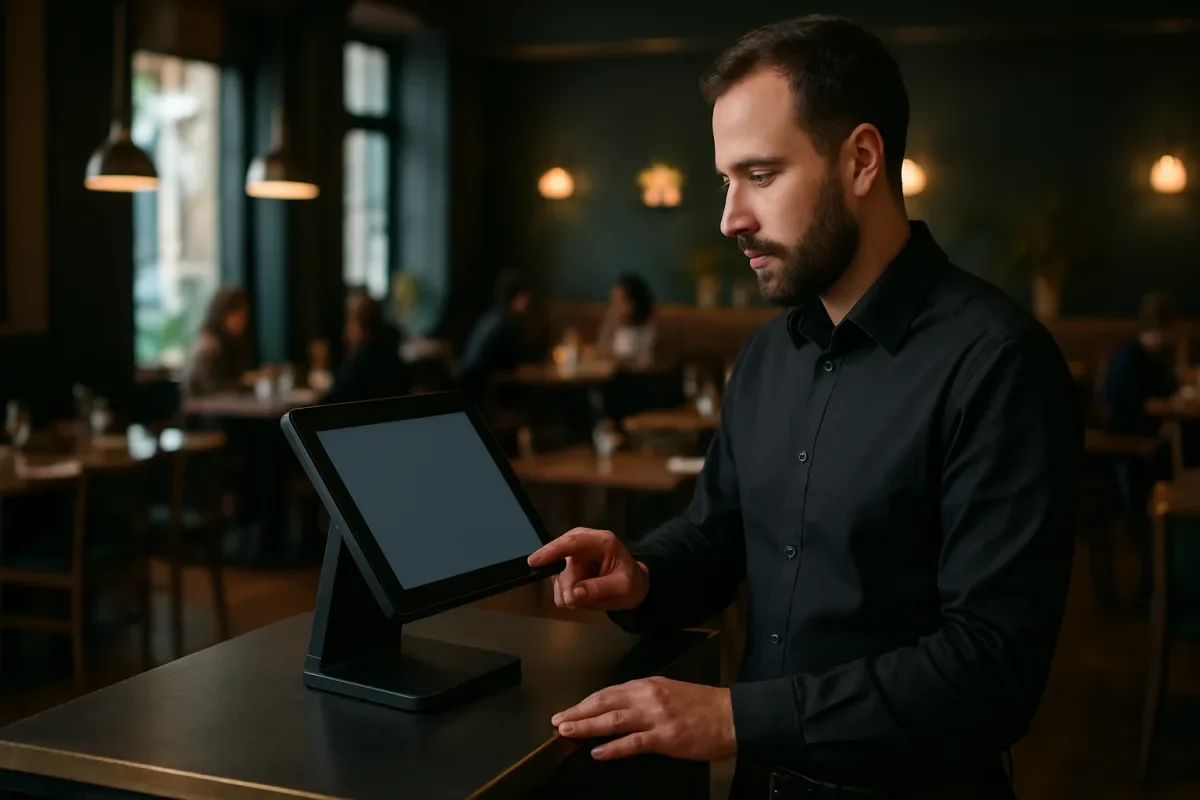
A well-designed touchscreen POS software allows the server to enter a modification without breaking their rhythm. In this type of establishment, ergonomics matter as much as advanced features, because the team must be able to work quickly without sacrificing the quality of interaction with the customer.
Brasserie, café, bar
The main need is speed. A brasserie POS software must handle split bills, drinks, menus, happy hours, and peak times at lunch or dinner. Ease of use and hardware robustness take precedence over overly complex configurations.
Fast-food, snack, take-away
In a fast-food POS software, order time must be minimal. The functions to prioritize are quick basket, menu options, extras, click & collect, connection with a kitchen screen, and if needed, ordering kiosks. Here, the POS is meant to absorb flow, not slow it down.
Food truck and small establishment
For a light format, a simple-to-deploy solution is better, often on a tablet, with a flexible subscription and reliable offline mode. A small establishment has no interest in paying for unnecessary modules if the goal is mainly to cash out quickly, track turnover, and limit handling.
Franchise or multi-establishment
In a chain or network, the priority changes: data must be centralized, settings harmonized, and access controlled. A multi-site structure needs well-set user rights, homogeneous exports, and consolidated management to compare performances between establishments.
What criteria to compare before buying?
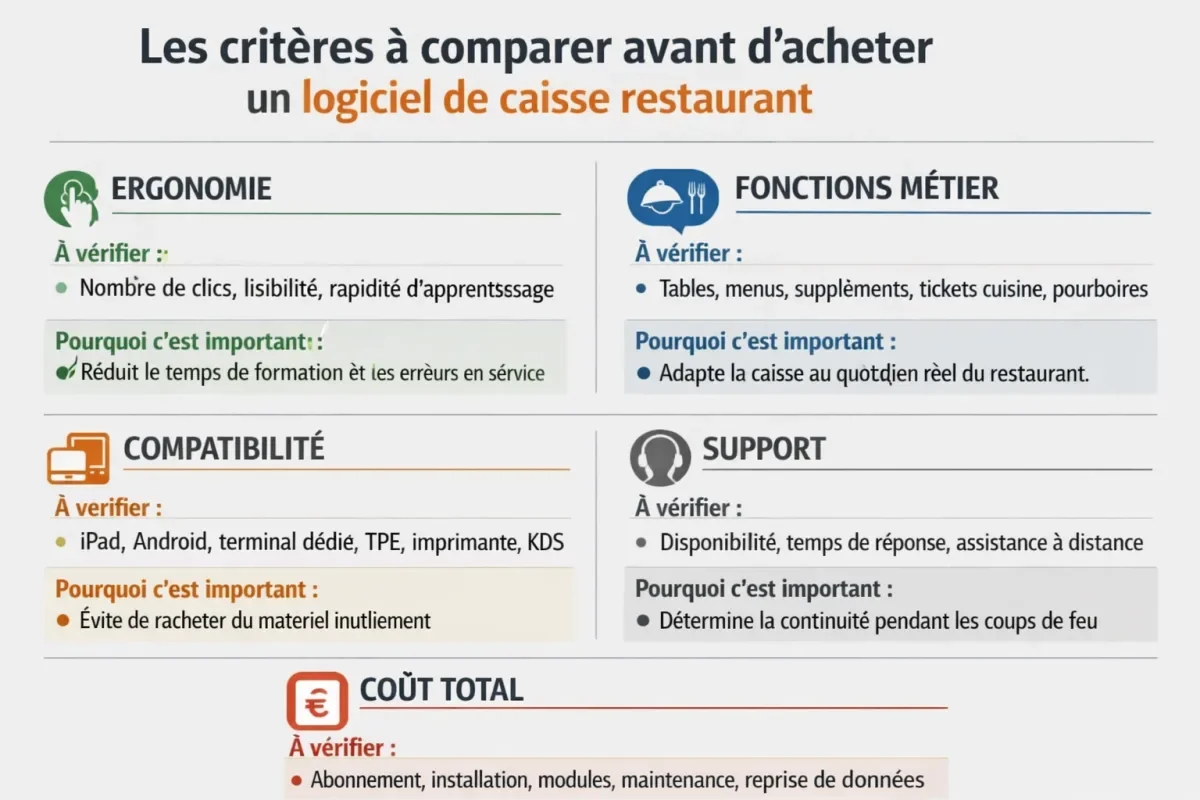
To properly compare a restaurant POS solution, you need to look beyond the listed price. Ergonomics, compatibility with your hardware, quality of support, integration options, and total cost of ownership often weigh more than an attractive basic subscription.
| Criterion | What to check | Why it’s important |
|---|---|---|
| Ergonomics | Number of clicks, readability, learning speed | Reduces training time and errors during service |
| Business functions | Tables, menus, extras, kitchen tickets, tips | Adapts the POS to the restaurant’s real daily needs |
| Compatibility | iPad, Android, dedicated terminal, card reader, printer, KDS | Avoids buying unnecessary hardware |
| Support | Availability, response time, remote assistance | Determines continuity during busy periods |
| Total cost | Subscription, installation, modules, maintenance, data migration | Allows comparing truly equivalent offers |
From field feedback, restaurateurs mainly retain three things: ease of use, reliability during service, and quality of support when an incident occurs. A POS attractive on the product sheet can become a hidden cost if training is long or breakdowns are poorly handled.
Cloud software, tablet or dedicated terminal: what to prioritize?
There is no universal architecture. Cloud simplifies updates and remote management, tablets bring mobility in the dining room, and dedicated terminals reassure high-volume establishments. The choice mainly depends on your risk tolerance, team size, and expected level of continuity.
- Cloud / SaaS: remote back-office access, simplified updates, rapid deployment.
- Tablet: mobility in the dining room, reduced footprint, often quick to learn.
- Dedicated terminal: robustness, stability, better resistance to intensive use.
- API: useful if you want to connect booking, delivery, accounting, or CRM.
- Offline mode: essential if your connection is not perfectly stable.
How to verify NF525 compliance and data security?
Compliance is not an administrative detail. If your activity falls within the relevant scope, you must verify that the software provides the expected guarantees regarding immutability, security, preservation, and archiving of data. Always ask for clear, dated proof consistent with your actual use.
Before signing, ask precise questions: how are Z tickets generated, who can cancel a sale, where is the data stored, how is the accounting export performed, and what happens in case of a network failure? A good publisher answers unambiguously and provides you with usable documentation.
- Check the proof of compliance or the certificate provided by the publisher.
- Control automatic backups and possible data restoration.
- Demand detailed user rights to secure sensitive actions.
- Confirm reversibility: data recovery, export, and account closure.
- Test service continuity in case of internet outage or temporary failure.
Which cash register software best suits your restaurant profile?
To decide quickly, you need to link the type of establishment to functional priorities. A small restaurant may prioritize simplicity and budget, while a high-volume dining room will first seek stability. A premium structure will expect more finesse, and a multi-site network will rely on centralized management.
| Type of establishment | Priority needs | Useful features | Indicative budget | Main point of attention |
|---|---|---|---|---|
| Small restaurant | Simplicity, speed, low cost | Touch interface, quick checkout, exports | Rather contained | Do not pay for unnecessary modules |
| Brewery / café / bar | High throughput, split bills | Table management, happy hours, POS terminal, kitchen tickets | Intermediate | Robustness during peak times |
| Fast-food / snack | Fast flow, counter sales | Menus, extras, click & collect, KDS | Variable | Speed of entry and printing |
| Gourmet restaurant | Service finesse, customization | Table plans, notes, tips, booking integrations | Intermediate to high | Ergonomics and precision |
| Multi-site / franchise | Centralized management, standardization | API, user rights, consolidated reporting | High | Governance of access and data |
What mistakes should be avoided when signing?
The first mistake is choosing a tool that is too rich for a team that just wants to check out quickly. The second is neglecting support and training. The third, very common, is comparing only the monthly price without including hardware, installation, modules, and data migration.
- Choosing a solution too complex for the actual level of the team.
- Forgetting to test offline mode before going live.
- Not verifying compatibility with existing hardware.
- Underestimating migration from the old cash register and item recovery.
- Signing without testing ergonomics under service conditions.
- Not asking about data backup and export policies.
During a successful migration, item categories are recovered, duplicates cleaned, taxes configured, kitchen tickets tested, then the team is trained over a short period before switching during a quiet period. This method limits stress and errors during the first service.
Quick checklist to choose without making a mistake
Before deciding, turn your need into concrete questions. A simple checklist prevents oversights and helps compare several providers based on the same criteria. It is often more effective than a long theoretical comparison, especially when you need to move quickly.
- Is my type of establishment well covered by the solution?
- Is the interface quick to learn for the whole team?
- Is offline mode included and tested?
- Is the current hardware compatible?
- Is the expected compliance documented by the provider?
- Are accounting exports and Z tickets easy to retrieve?
- Is support available during service hours?
- Does the total cost remain consistent after adding modules and hardware?
FAQ about restaurant cash register software
What is the best restaurant cash register software?
There is no universal best choice. The right software depends on your format, service volume, desired level of mobility, budget, and expected compliance. A brasserie, a food truck, and a gourmet restaurant do not have the same priorities.
How much does a restaurant cash register cost?
The price varies depending on subscription, hardware, modules, installation, and number of terminals. A lightweight solution can remain affordable, whereas a multi-site deployment with enhanced support and advanced integrations is significantly more expensive.
Is an NF525 certified cash register necessary?
If your situation falls under the scope of applicable French regulations, you must verify that the software meets the required standards. The safest approach is to request proof of compliance from the provider and confirm the matter with your usual advisor.
Is cloud cash register software suitable for restaurants?
Yes, often. The cloud facilitates updates, remote management, and maintenance. However, you need to check offline mode, the stability of your connection, and backup conditions to avoid compromising the service.
How to successfully migrate to a new cash register?
You need to prepare data transfer, configure items, test kitchen tickets, train staff, and switch over during a quiet period. A well-managed migration reduces errors and speeds up team adoption from the first service.